Since June 2023, due to higher security requirements, private keys for standard code signing certificates must be stored on hardware that complies with at least
To do so, first select Academic Login, search for Graz and select Graz University of Technology, and log in to the SSO system of Graz University of Technology.
Then go to the Code Signing section and select For enterprises or organizations (OV). Under Cryptographic device (token), click Add. In the Select the duration of your certificate section, select 2 years:
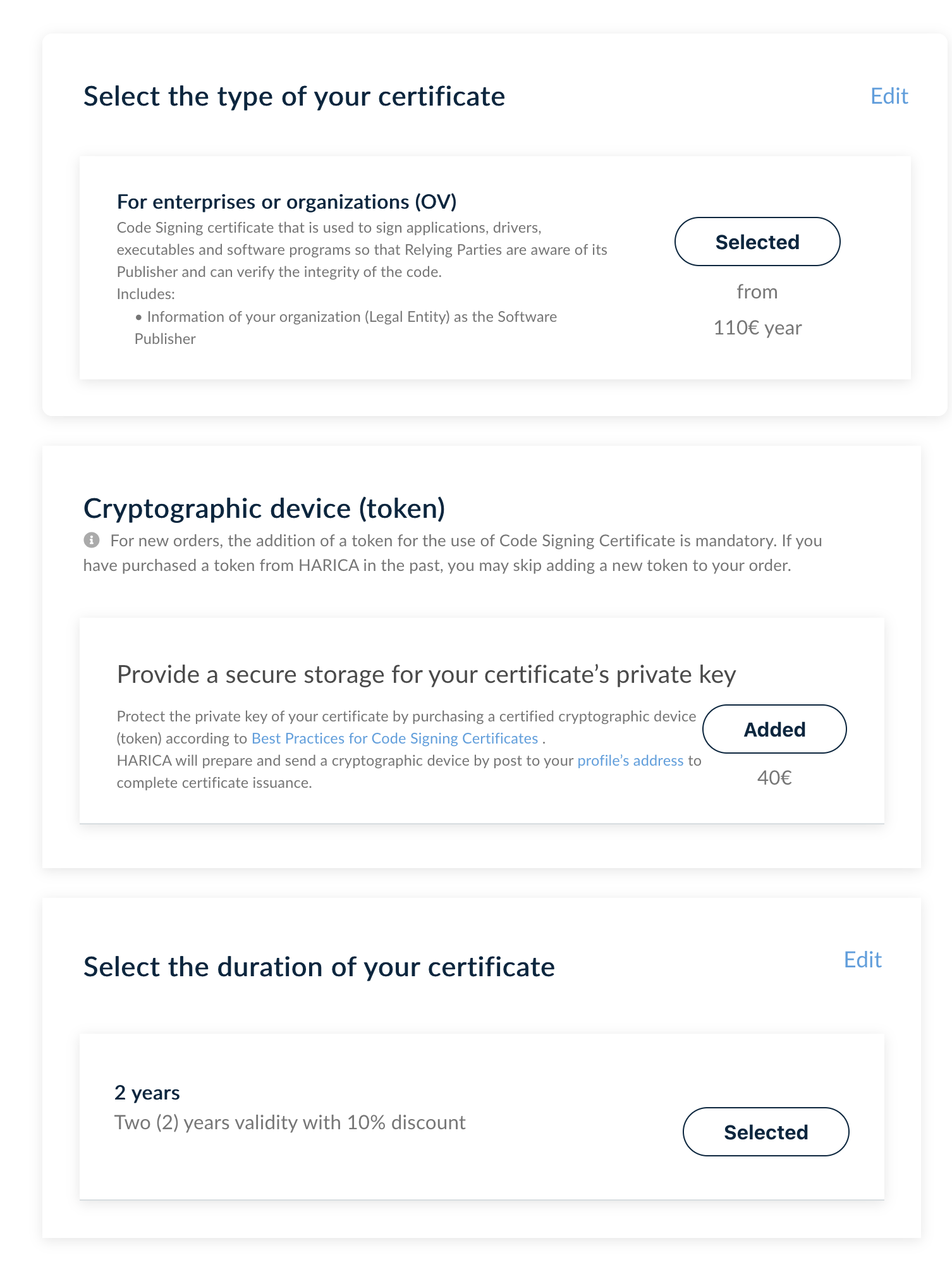
Then click Next.
In the next window, fill at least in all the required fields:
Answer the next question with More.
In the next window, select A. Use of the verified method of communication. Click Next to see a summary of your order
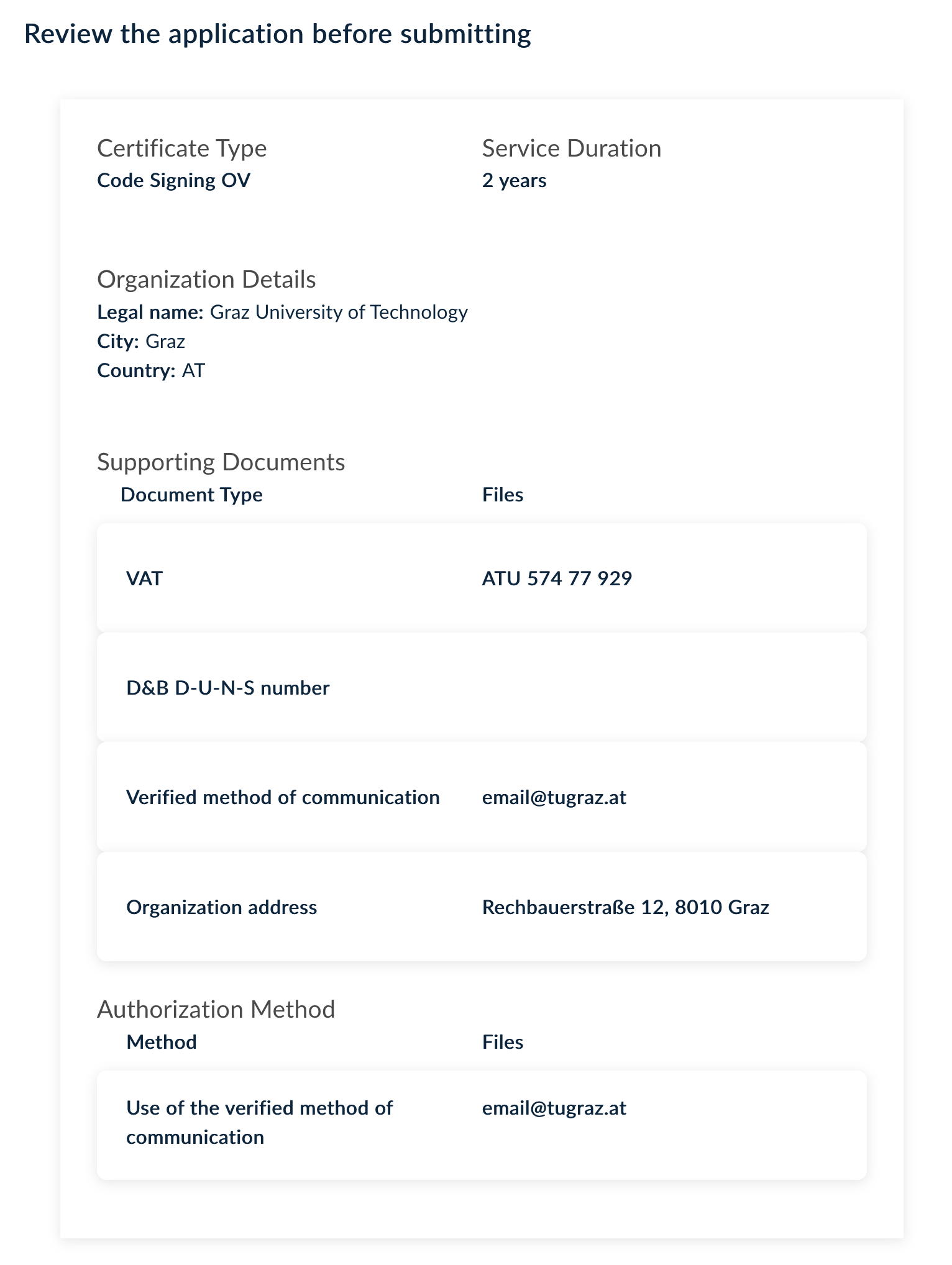
Confirm the details, and click Next again to open a window where you can decide whether you want to upload your own CSR or have HARICA generate one.
If you decide to let HARICA generate it, leave the default values in the next window, set a password that you can remember, and confirm that only you know this password.
Now click on Generate Private Key, CSR, and submit order.
tbc.